How to convert a rent roll PDF to Excel — and actually trust the totals
If you underwrite multifamily, you know the drill: a rent roll arrives as a PDF exported from Yardi, AppFolio or RealPage, and you need it in Excel to model it. So you copy-paste, it comes out mangled, and you spend twenty minutes fixing columns — then quietly hope the numbers survived the trip.
The conversion is the easy part. The part that actually matters is whether the extracted totals still add up. Here's how to do both properly.
Why copy-paste and generic converters fail on rent rolls
Rent rolls are dense, multi-column, and full of merged cells, property-group headers, and trailing summary blocks. A generic PDF→Excel tool treats every line as a data row, so you end up with:
- Property banners and section headers counted as units, inflating the unit count.
- Money columns fused together ("1,450 1,425" landing in one cell).
- The summary block at the bottom mixed into the unit rows.
- Silent shifts where one row's rent lands under the wrong column — the worst kind, because nothing looks broken.
The step that separates a spreadsheet from a trustworthy one
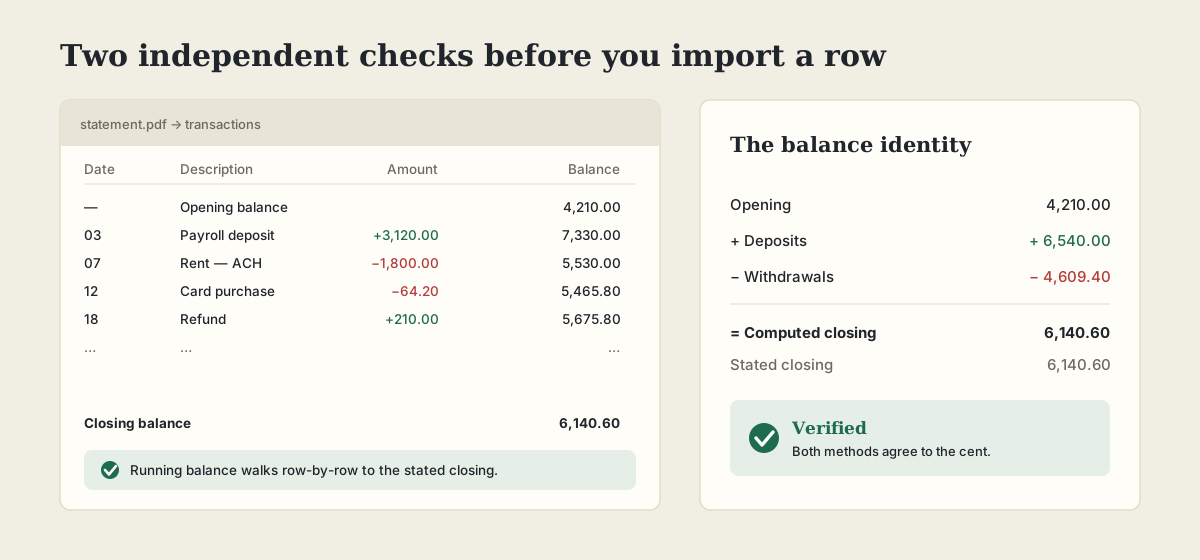
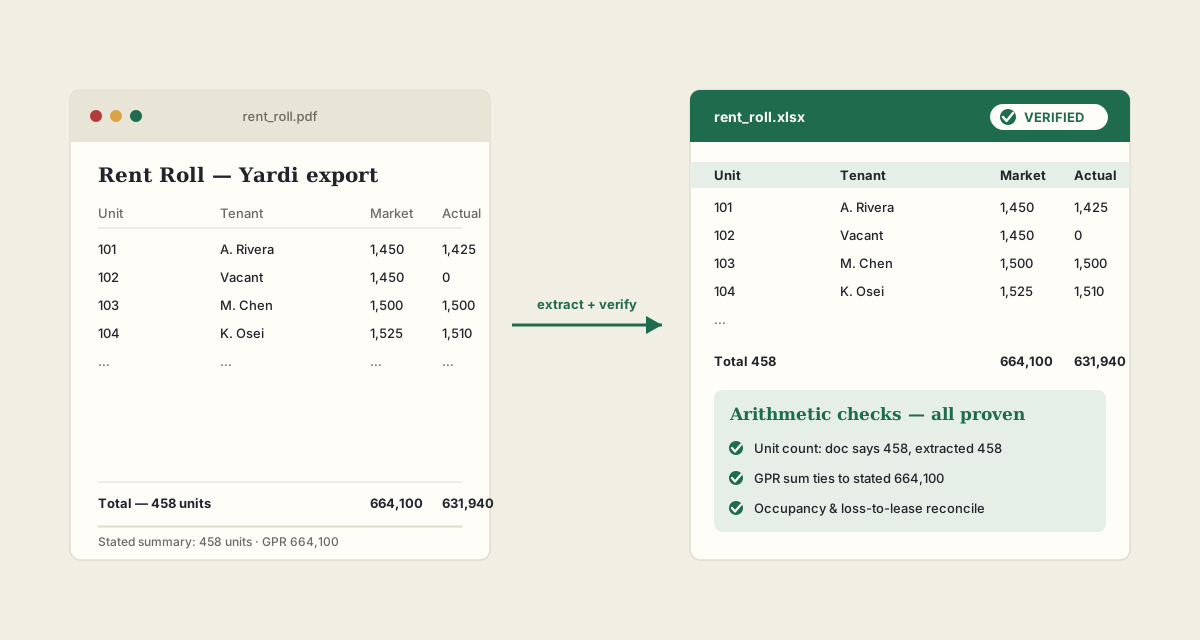
A rent roll carries its own answer key. It states a unit count and, usually, a Gross Potential Rent total. That means the conversion is checkable: sum the extracted units and rents and see whether they match what the document says about itself.
This is exactly what PDFHandle does after it extracts. It reconciles the extracted data against the document's own stated totals and returns a verdict — so you're not trusting a black box, you're getting arithmetic proof.
How to convert a rent roll to verified Excel
- 1Open the rent roll converter and upload your PDF (Yardi, AppFolio, RealPage and most native exports work directly).
- 2It detects the document type, extracts every unit, and rebuilds the columns.
- 3It reconciles: unit count, GPR, occupancy and loss-to-lease are checked against the rent roll's own stated summary.
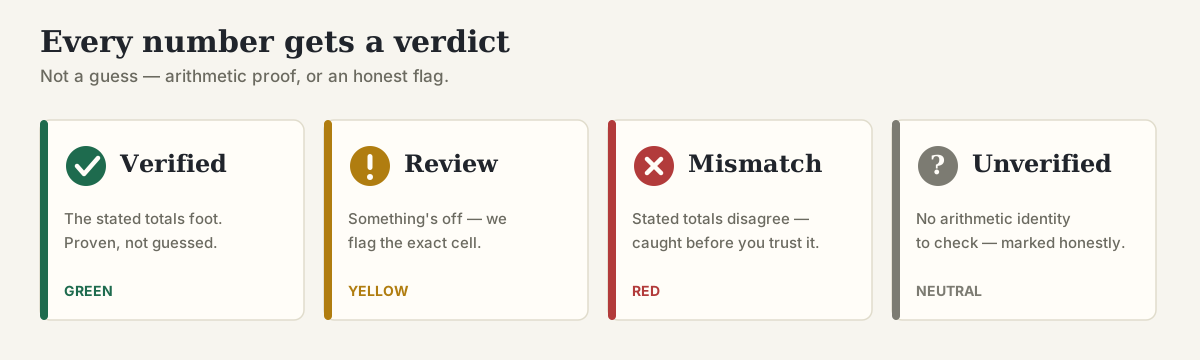
- 4You get a GREEN / REVIEW / MISMATCH verdict plus the exact cell to check if anything is off — then download the .xlsx.
What "verified" actually means here
It's not a confidence score or an AI guess. It's deterministic arithmetic: the sum of the extracted rents equals the stated GPR, the unit count matches, and the occupancy figures reconcile. If they don't, you get RED — and it will never show a false GREEN. That's the whole point: you can underwrite off a proven number, or you know precisely which one to double-check.
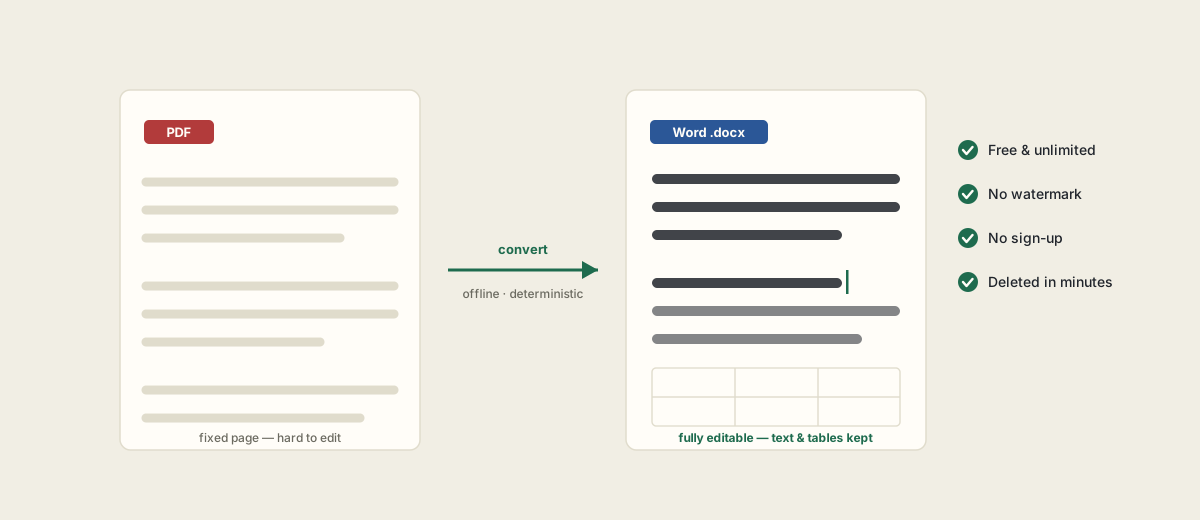
It also runs entirely offline on our own server — no third-party AI, nothing stored, files deleted within minutes — which matters when the document is a live deal.
Frequently asked questions
Which rent roll formats work?
Native PDF exports from Yardi, AppFolio, RealPage, OneSite and most property-management systems convert directly. Scanned rent rolls should be run through OCR first (free in PDF Tools) to add a text layer.
What does the GREEN verdict prove?
That the extracted unit count and rent totals tie out to the rent roll's own stated summary — proven by arithmetic, not estimated. If they don't match, you get RED with the specific discrepancy, and it never shows a false GREEN.
Is my rent roll kept private?
Yes. Files are processed in memory on our own server — no third-party AI or cloud service — and deleted within about 15 minutes. Nothing is stored.
Is it free?
Yes — convert rent rolls to Excel for free, no sign-up required.