Why your bank statement PDF won't import into Excel cleanly (and how to fix it)
Almost everyone who has tried to get a bank statement into Excel has hit the same wall: you copy the transactions, paste them in, and the dates, descriptions and amounts scatter across the wrong columns. Import a CSV and it's worse. So what's going on?
The real reason it breaks
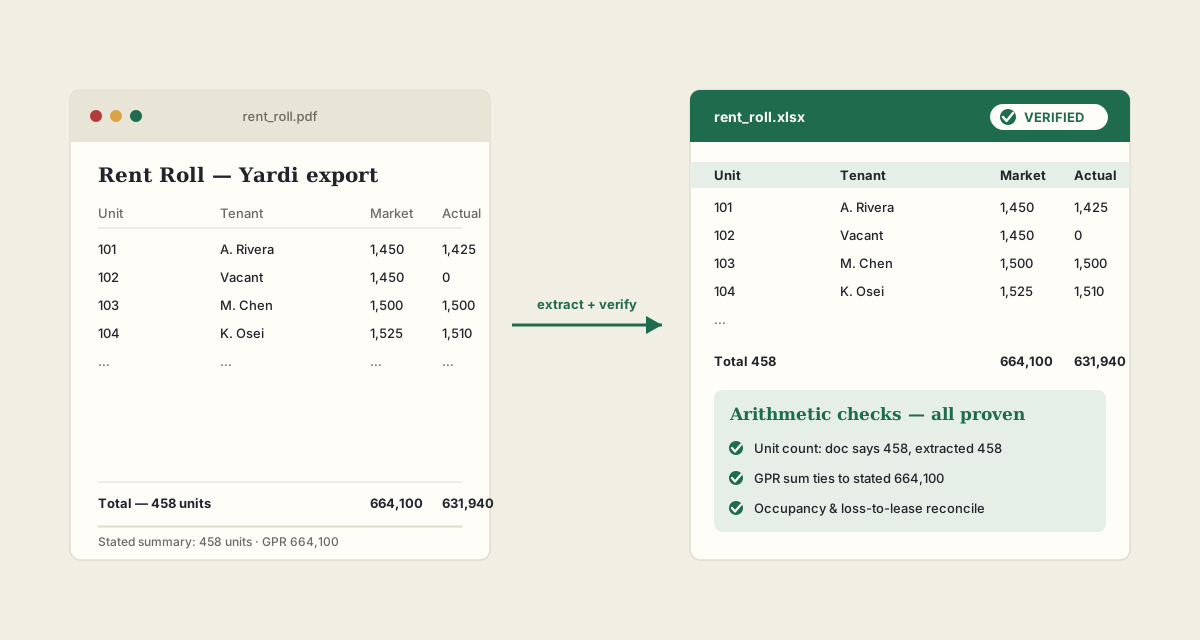
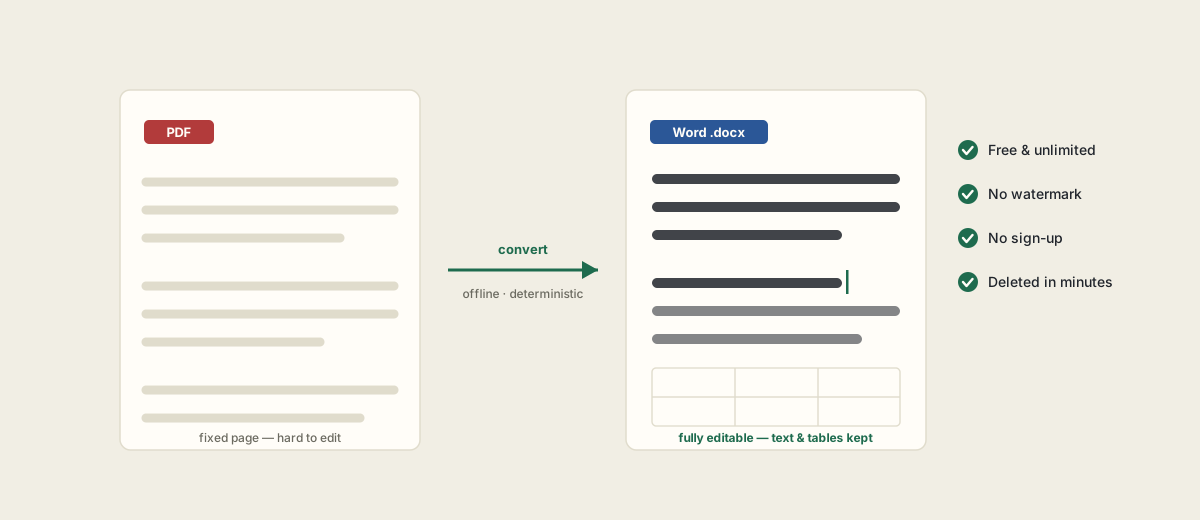
A bank statement PDF is a picture of a page, not a table. The bank's layout engine positions text by coordinates for printing — there is no underlying grid that says "this number is the amount and that one is the running balance." Spreadsheets need that structure; the PDF doesn't have it. Common failures:
- Multi-line descriptions that push the amount onto the next row.
- Debit and credit columns that merge, so you can't tell −$64.20 from +$64.20.
- Opening and closing balances buried in prose instead of their own cells.
- Thousands separators and currency symbols that turn numbers into text.
Clean import is necessary — but not sufficient
Getting the columns right is step one. Step two is the one people skip and regret: confirming the transactions actually reconcile. A single dropped or duplicated row can look completely normal and still throw off the whole month.
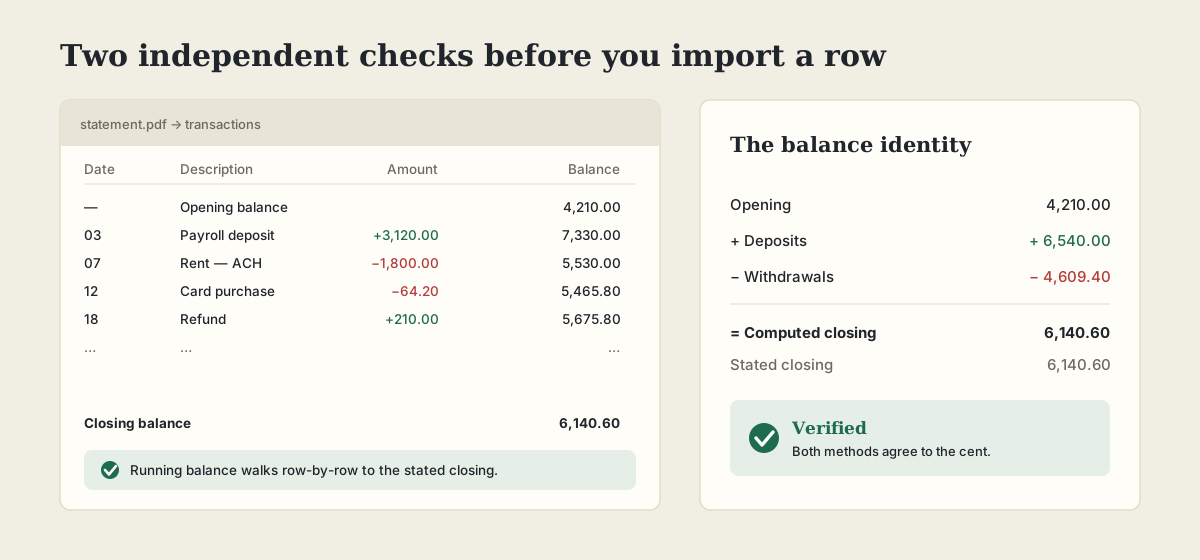
A statement is self-checking if you use it. PDFHandle reconciles two independent ways before you import anything:
- 1The running-balance walk: it steps through every transaction and confirms the balance after each one lands on the stated closing balance.
- 2The balance identity: opening + total deposits − total withdrawals must equal the stated closing balance.
How to convert a bank statement to clean, reconciled Excel
- 1Upload the statement PDF (or a batch of them) to the bank statement converter.
- 2Transactions are extracted into clean columns — date, description, amount, balance.
- 3The two reconciliation checks run automatically and return a verdict.
- 4Download .xlsx or CSV, ready to import into your accounting system.
It's free, no sign-up, and runs offline — statements are processed in memory and deleted within minutes, which is the bar you want for financial documents.
Frequently asked questions
Can it read scanned bank statements?
Only if there's a text layer. A scanned or photographed statement is an image — run it through OCR first (free in PDF Tools) to make it readable, then convert.
What if the totals don't reconcile?
You get a RED verdict instead of a false GREEN, showing that the running-balance walk or the opening/closing identity didn't tie out — so you can find the missing or miscategorised row before importing.
Excel or CSV?
Both. Export whichever your accounting software imports most cleanly.
Is it private?
Yes — processed in memory on our own server, no third-party AI, deleted within about 15 minutes. Nothing stored.